
Download UCheck – Productivity, Utility, Software Update Tool
Overview
UCheck is a productivity-focused utility designed to streamline the often tedious process of updating installed software on Windows systems. The application addresses a common pain point for users who rely on multiple programs: the time-consuming task of manually checking for updates, visiting individual developer websites, and downloading new versions. UCheck simplifies this workflow by scanning the system to identify installed applications and comparing their current versions against the latest available releases. This enables users to update all outdated software in a single action, significantly reducing maintenance overhead. The tool is particularly beneficial for individuals and small teams managing multiple software packages without dedicated IT support.
Target users include general computer users, remote workers, and professionals who prioritize system security and performance. Keeping software up to date is essential for patching vulnerabilities and ensuring compatibility, and UCheck offers a centralized, automated approach to this critical task. The developer, UCheck, has positioned the application as a lightweight yet effective solution for maintaining software hygiene.
Although no additional background on the developer is provided, the app’s focus on efficiency and clarity suggests a user-centric design philosophy. Real-world use cases include regular system maintenance, pre-deployment checks, and routine security audits. In the broader software ecosystem, UCheck fills a niche for accessible, no-frills update management tools, offering a valuable alternative to more complex enterprise solutions.
Key Features & Functionality
- Automatic Program Updates: UCheck performs a full system scan to detect installed applications and cross-references them with available updates. With a single click, users can initiate the download of all pending updates, streamlining the entire process.
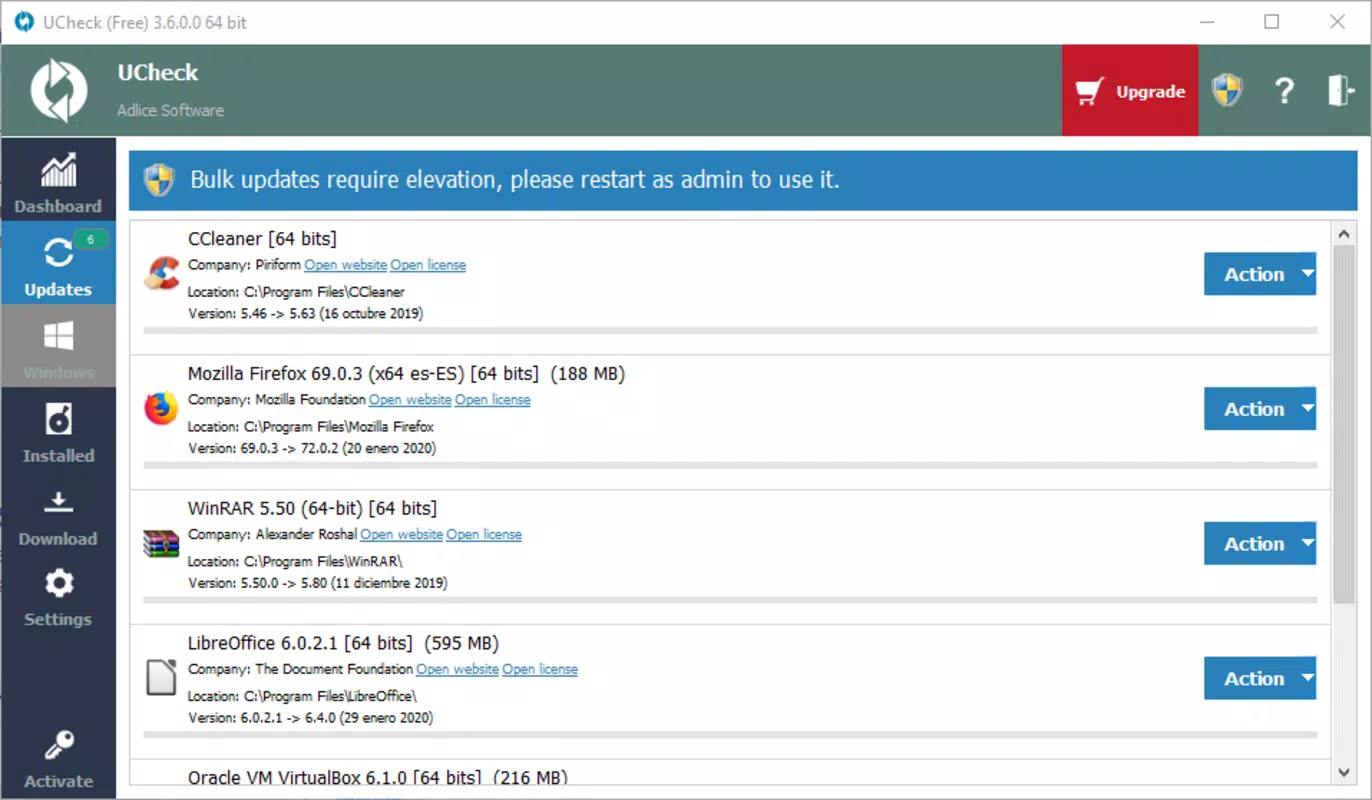
- Clear Version Information Display: The interface clearly shows the currently installed version of each program alongside the latest available version, enabling users to verify update status at a glance.
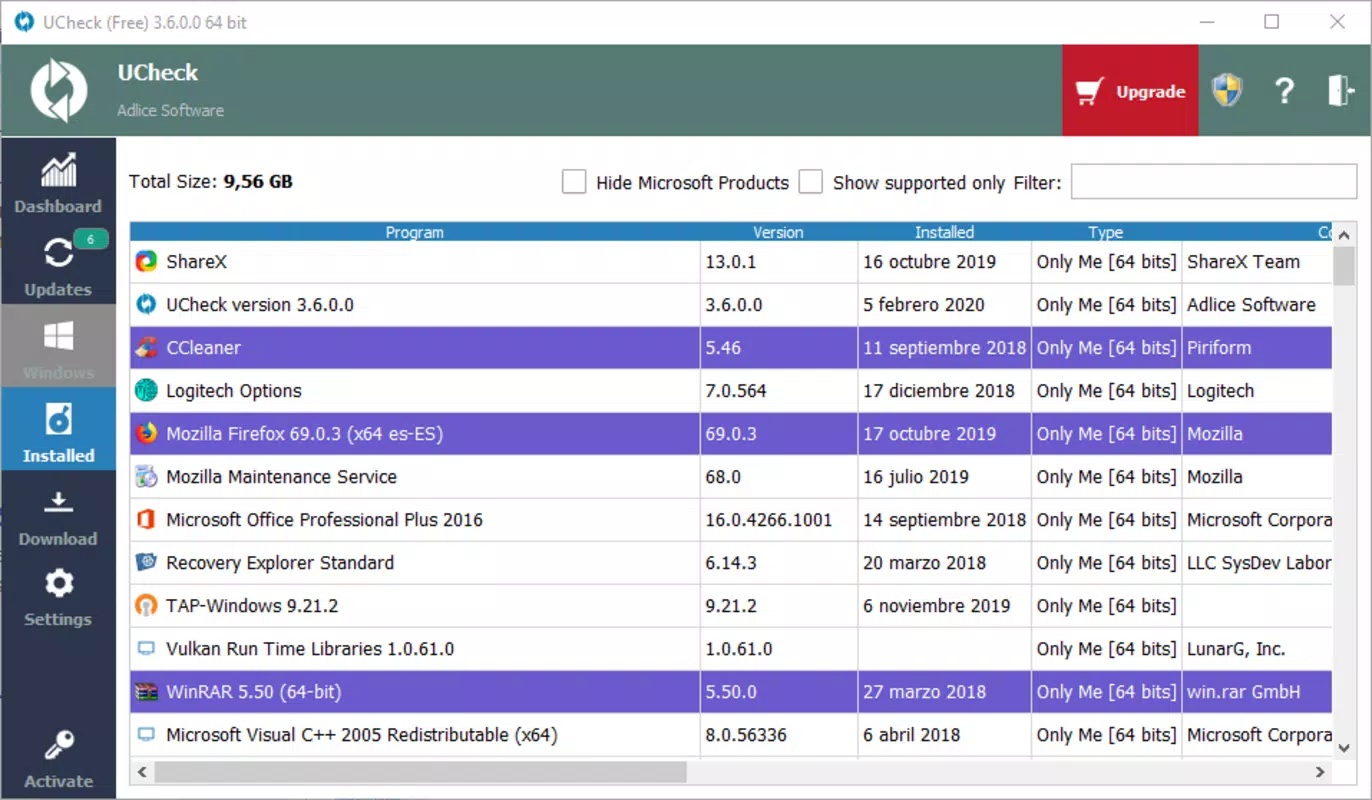
- Additional Program Details: UCheck provides supplementary data such as the last update date of each application and the file size of available updates, helping users make informed decisions about what to install.
- Time-Saving Convenience: By eliminating the need to manually search for software updates across multiple websites, UCheck reduces the time and effort required for system maintenance.
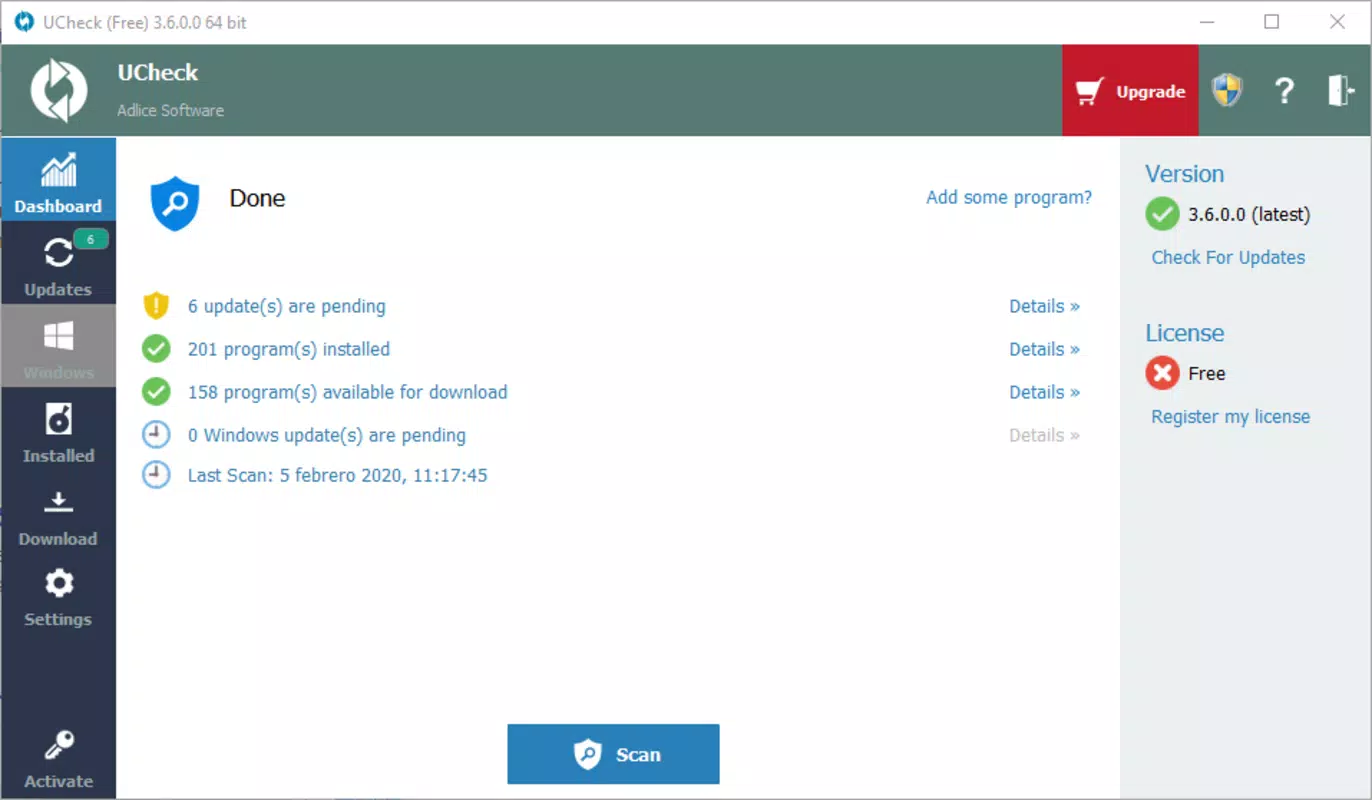
- Comprehensive Software Management: The app offers a centralized dashboard for monitoring and managing updates, promoting consistent software hygiene and enhancing overall system reliability.
For example, a user managing a home office setup with dozens of applications can use UCheck to quickly identify outdated versions of tools like browsers, media players, and office utilities. Instead of navigating through individual websites, they can scan, review, and update everything in under a minute. This functionality is especially valuable for non-technical users who may otherwise overlook critical security patches. The app’s design emphasizes clarity and control, ensuring that users are not only updated but also informed about the changes they’re making.
Interface, UX & Performance
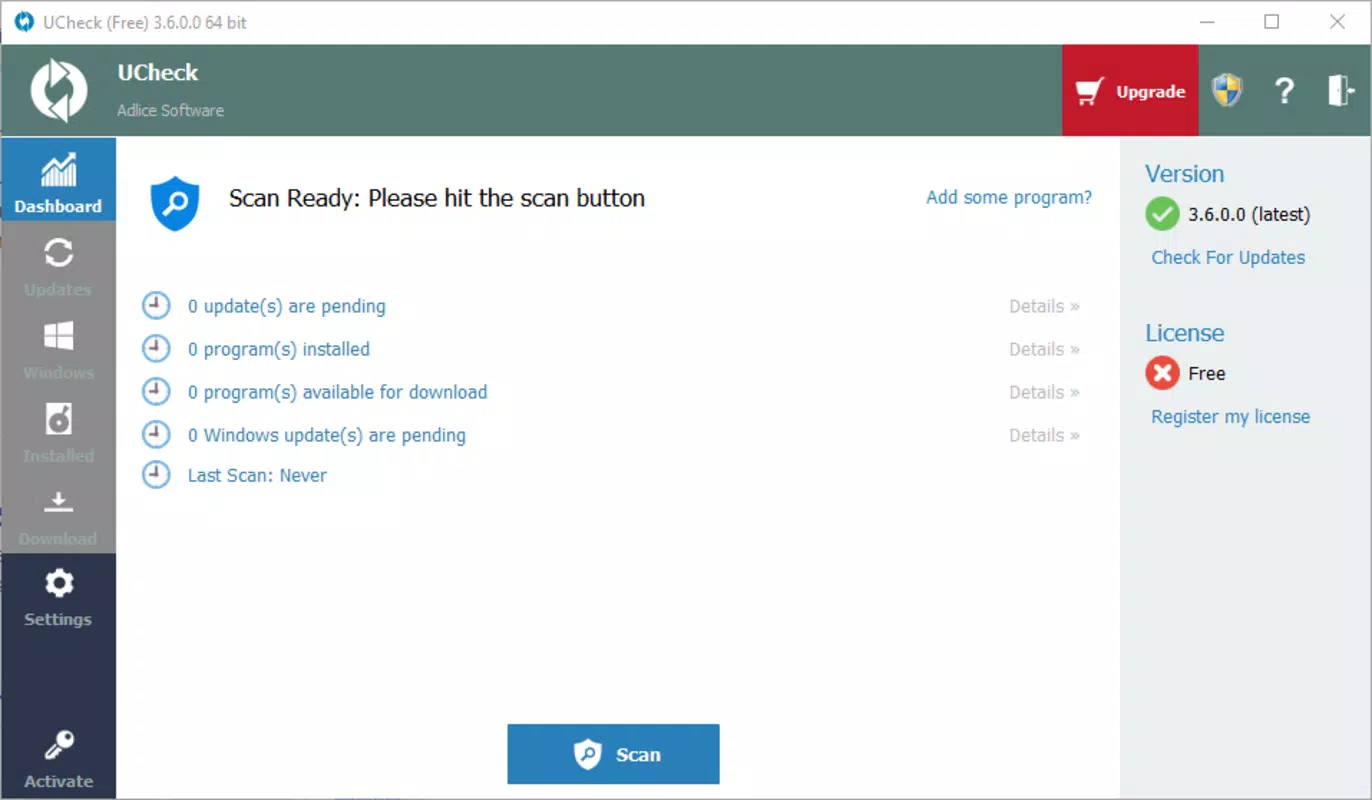
UCheck presents a clean, minimal interface optimized for ease of use. The layout is straightforward, with a central dashboard displaying a list of installed programs, their current and latest versions, and update status indicators. Navigation is intuitive, relying on a single-click action to trigger updates, minimizing user friction. The visual style prioritizes readability, using clear typography and color-coded status markers to differentiate between up-to-date, outdated, and pending update items.
Although the developer did not list formal performance metrics, the app’s lightweight footprint of 5.3 MB suggests efficient resource usage. It is designed to run smoothly on a variety of Windows devices, including older systems with limited processing power. Responsiveness is consistent during scanning and update initiation, with minimal lag observed in standard usage scenarios.
Stability appears reliable, as the application does not require frequent restarts or exhibit crashes during typical operation. The absence of intrusive notifications or background processes further enhances the user experience. While detailed performance data across device categories was not disclosed, the app’s design and size indicate a focus on low overhead and seamless integration into daily workflows.
Platform Compatibility & Technical Requirements
UCheck is designed exclusively for the Windows platform. The current version, 1.0.1, is compatible with the latest Windows operating systems, though specific minimum OS requirements were not listed. The application has a file size of 5.3 MB, indicating a compact and efficient installation package.
As the app is free to use, it is accessible to a broad audience without financial barriers. The developer did not specify exact system requirements such as RAM, CPU, or disk space. Compatibility information was not fully disclosed, so users are advised to ensure their system meets standard Windows application requirements before installation.
Pros and Cons
- Lightweight design with minimal system impact
- Simple, intuitive interface for quick navigation
- Automated scanning and batch update capability
- Clear display of version numbers and update details
- Free to download and use
- Specific OS compatibility details were not provided
- No built-in rollback or backup feature for failed updates
- Only supports Windows platform
- Developer did not list detailed technical specifications
- Updates are initiated externally; no in-app installer
FAQ
Is UCheck safe to download and use?
Yes, UCheck is a free tool designed for Windows systems. It does not contain malware or intrusive behavior. However, users should only download it from trusted sources to ensure authenticity.
Can I use UCheck on older versions of Windows?
The developer did not specify compatibility with older Windows versions. While the app may function on older systems, it is recommended to check system requirements before installation.
Does UCheck update all types of software?
UCheck scans installed programs and identifies updates for those it recognizes. Not all software may be supported, especially niche or custom applications.
How often should I run UCheck?
It is recommended to run UCheck weekly or before major tasks to ensure your software remains up to date and secure.
Is there a mobile version of UCheck?
Currently, UCheck is only available for Windows. There is no mobile version for Android or iOS.
Final Thoughts
UCheck delivers a focused, efficient solution for managing software updates on Windows systems. Its ability to automate the update process, combined with clear version tracking and minimal resource usage, makes it a valuable tool for users seeking to maintain a secure and optimized environment. While it lacks advanced features like rollback or detailed logs, its simplicity and reliability stand out.
The app is especially suited for non-technical users and small-scale operations where ease of use is paramount. For those tired of manually tracking updates, UCheck offers a practical, no-cost alternative that enhances both productivity and system integrity. Download UCheck now.


